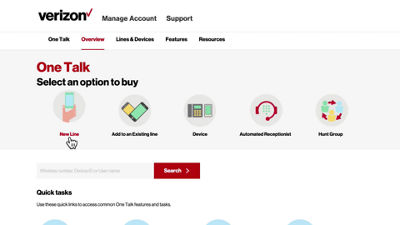
This video will show you some of the key steps you will need to take to set up your One Talk services through the web portal.
The first three options are to add business-owned lines, add features to an existing line or add a new device.
To add an employee-owned device to One Talk, you would use the quick task button to pre-authorize that line.
Some of the additional tasks you will need to perform include verifying user information, setting business schedules, activating a hunt group or configuring an automated receptionist. Dedicated videos are available for each of these tasks.
If you need additional assistance, please refer to the One Talk Resources Support page.