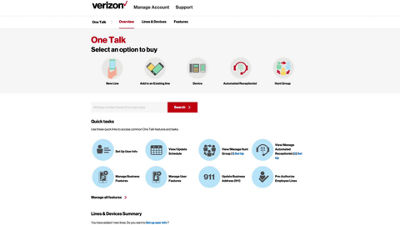
This video will show you how to add an employee-owned phone line to your One Talk business service.
In the Overview tab of the admin portal, click the quick task button to Pre-Authorize Employee Lines.
Enter the 10-digit phone number and click the Add button. You can add more than one line if needed.
Once the numbers have been validated, click Send Request.
Since the employee is liable for the phone line, he or she will be notified via text message and will need to log into My Verizon and add the feature to their personal account.
If you need additional assistance, please refer to the One Talk Resources Support page.